
An envelope they can open
Your recipient opens the digital love letter in their browser. The envelope reveals the stationery, message, and photos. Recipients can skip the opening and go straight to reading.
Write a digital love letter on your favorite stationery. Add a few photos and see what they’ll open.
Free to write and preview, no account needed. Publish a private link for $1.99.
Pick the paper that feels right for your letter. Each template pairs a sealed envelope with matching stationery, a photo layout, and a soundtrack.
Anniversaries
Start a digital love letter about one year together with rose stationery and photos arranged like keepsakes.
Use this templateEveryday affection
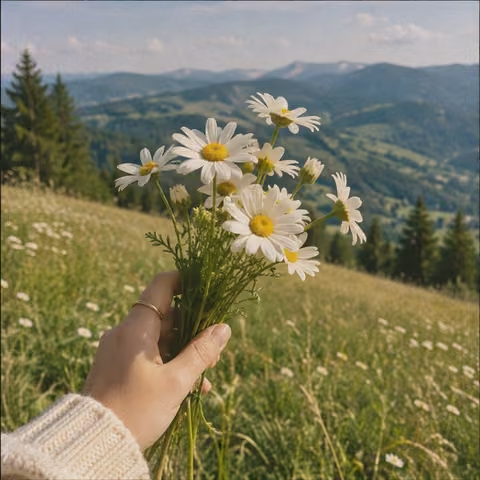
Send a bright digital love letter with floral paper and room for a few snapshots from your week.
Use this templateLong distance
Tell the story of your last visit in a digital love letter with a filmstrip layout and a starry opening.
Use this templateShared memories
Build a digital love letter around a place you both love. The botanical gallery gives each photo its own frame.
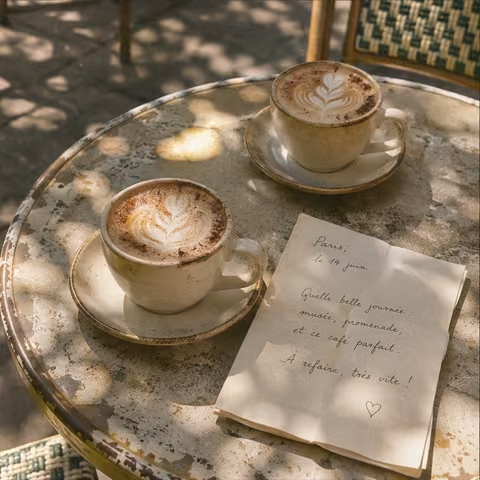
Use this templateThis digital love letter opens with a sealed envelope and carries one memory into the stationery inside. A small detail can tell your partner exactly why the day mattered.
Dear Jamie,
I still think about that rainy Sunday we missed the train. We shared the last pastry at the station and laughed until the next one came. I’d miss the train with you again.
Love, Alex
Pick a template above to open the editor with its design already applied. You can switch the look of your digital love letter as you go, and the editor keeps your words and photos.
Add your names and a message. Try opening with something your partner will recognize, such as the song you always play on the drive home. Preview the digital love letter and check how the photos sit on the page.
When the digital love letter is ready, review the opening and sign in to publish. Copy the link into a message, or use the email send included with a cash purchase from My Letters.
Your recipient opens the digital love letter in their browser. The envelope reveals the stationery, message, and photos. Recipients can skip the opening and go straight to reading.
Use up to 3 photos that make the story easier to picture. A single photo can anchor a short digital love letter. With several, think about the sequence you want your partner to see.
The chosen template comes with preset music. Listen in preview to see if it fits the mood of your digital love letter. Your recipient can control playback while reading.
After publishing, your partner can download the digital love letter as an image. The download preserves the stationery and writing in a format they can keep outside the browser.
Begin with a scene you can both remember. Give your digital love letter one moment, one feeling, and one reason you wanted to tell them today. Read it out loud once before you send it. If a line sounds like something you’d never say in a conversation, try rewriting it in words you use with each other.
Pick one thing that changed over the year. Think about a habit you now share, a place that feels like yours, or the way you learned to support each other. Close with something you’re looking forward to doing together.
Describe one thing you’d be doing together if you were in the same room tonight. Add a photo from your last visit and finish with a small plan for the next one.
Tell them when you first felt at ease around them. You could mention the joke that dissolved your nerves or the conversation that ran late. End with what you appreciate about them today.
Write when a small kindness is still fresh. Tell them what they did, what it meant to you, and how it stayed with you after the day ended. A few lines are enough.
Mark a move, a new home, or a plan you’ve finally made together. Thank them for one thing they brought to the decision, then pick a detail you hope you’ll remember when you look back.
Writing and previewing are free. A new standard digital love letter costs $1.99 to publish, with verified sign-in required. If your account already has an unused free-letter reward, you can redeem it for standard stationery.
A published digital love letter starts unlisted. Anyone with the complete link can read it unless you set a password. Use My Letters to manage access, stop sharing, or opt into the public garden.
As a guest, your draft and photos are stored in your browser. Clearing site data can remove them. Signed-in drafts can autosave to your account so you can resume them from My Letters.
The message field holds up to 2,000 characters. The sender and recipient have their own fields, so you can use that space for the story, a note, or a short poem.
Yes. Edit the published letter from My Letters and save your changes. The same link opens the updated letter.
A published standard digital love letter has no automatic expiry. Your recipient can return to the link as long as you keep the letter and sharing stays on.